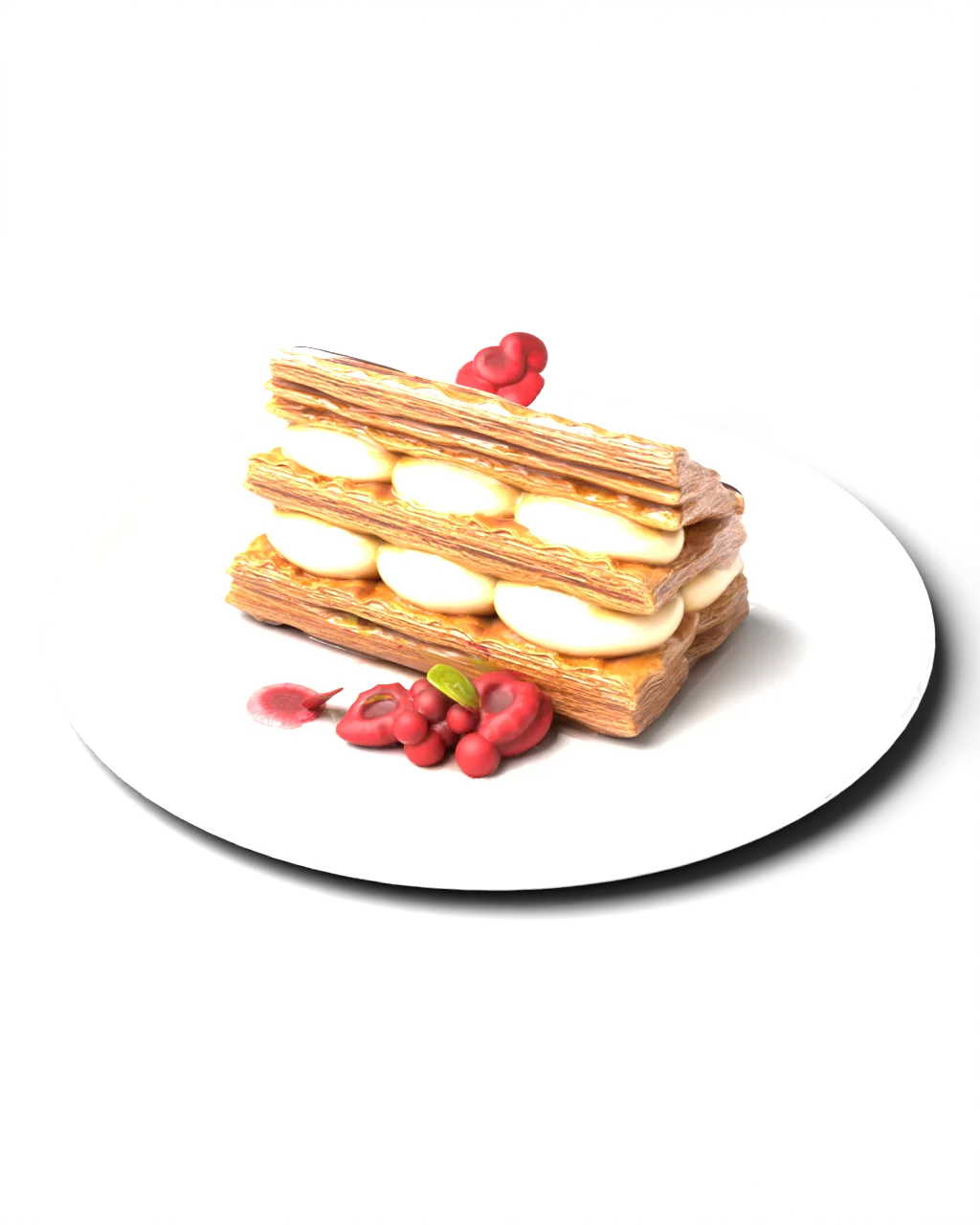
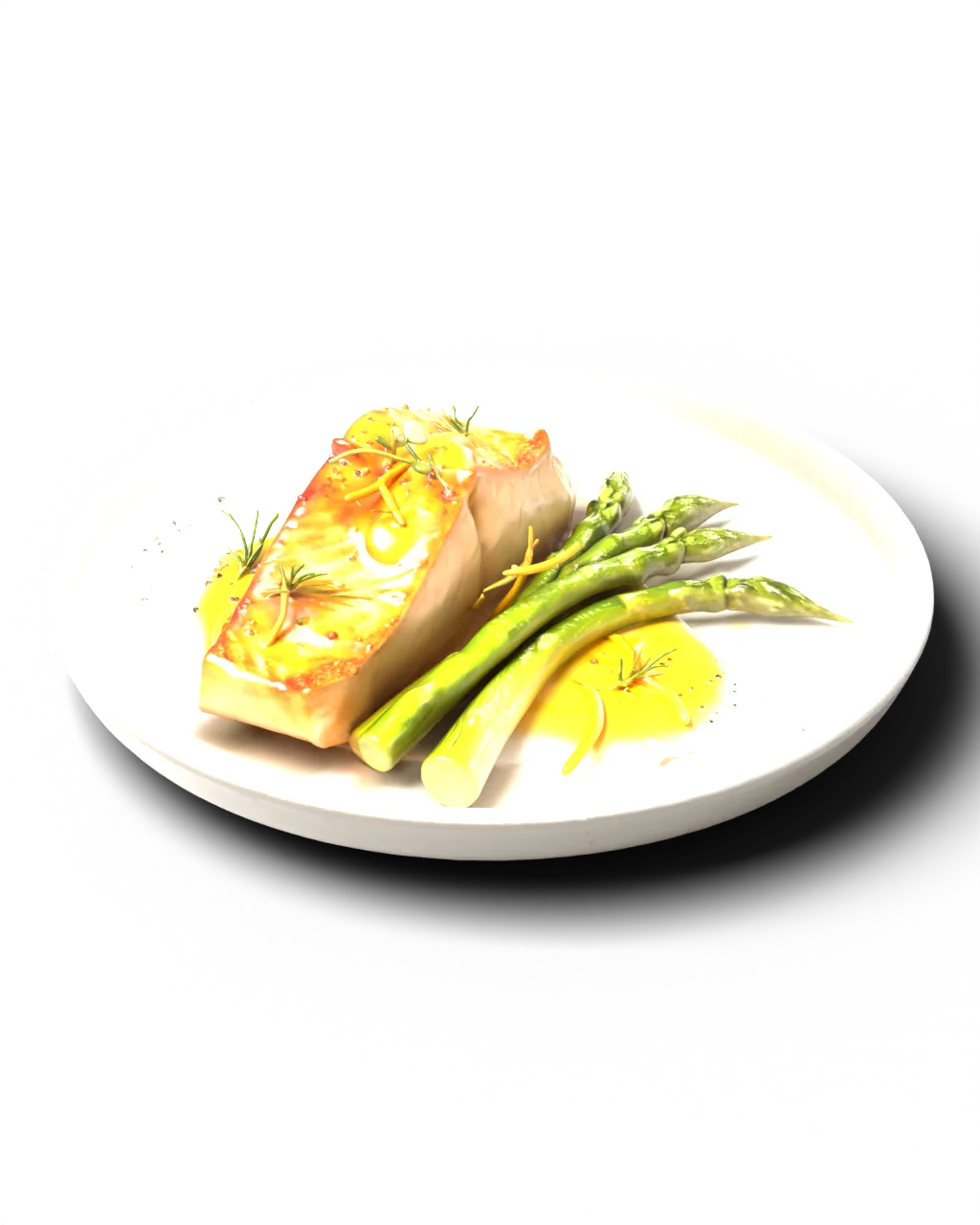
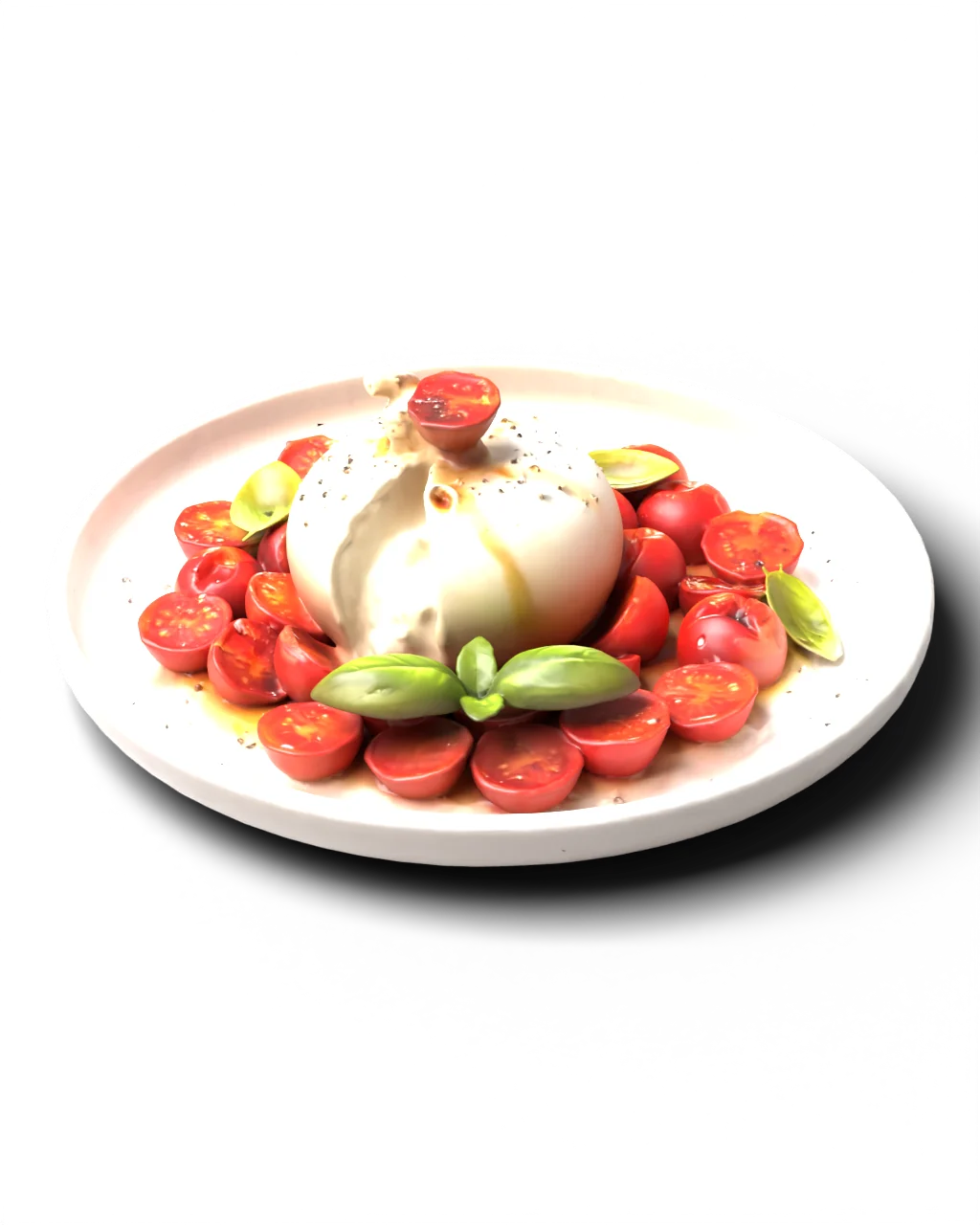
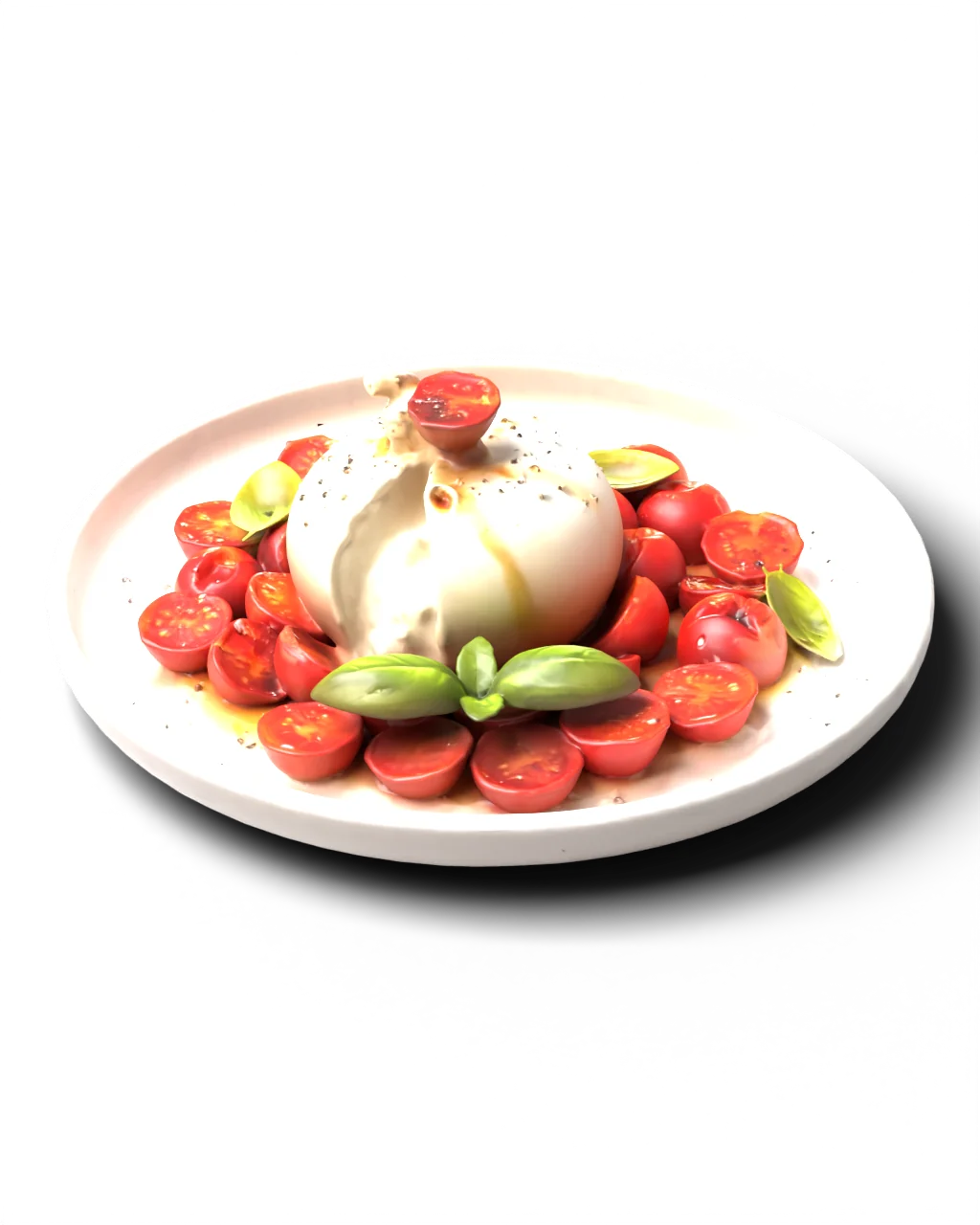
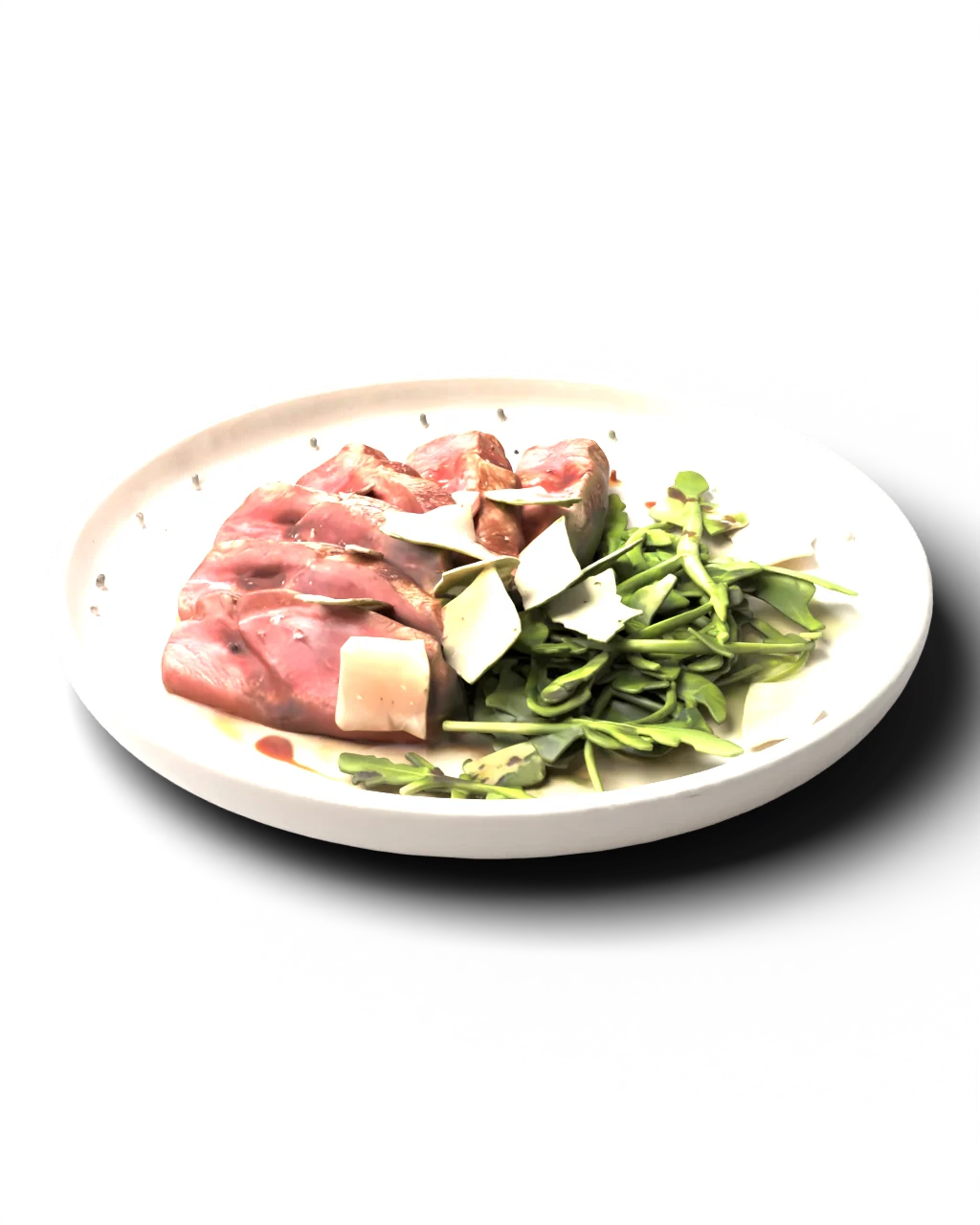
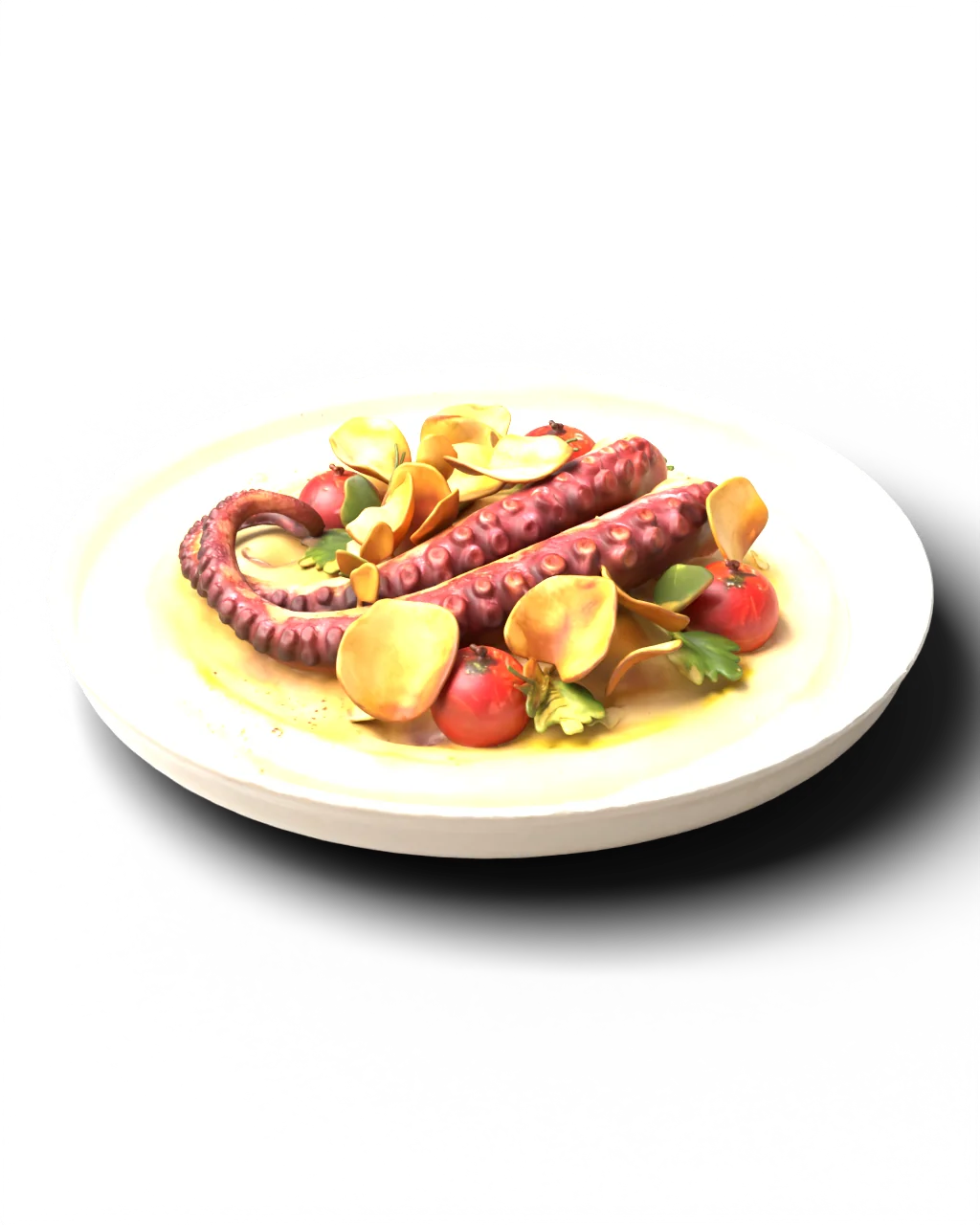
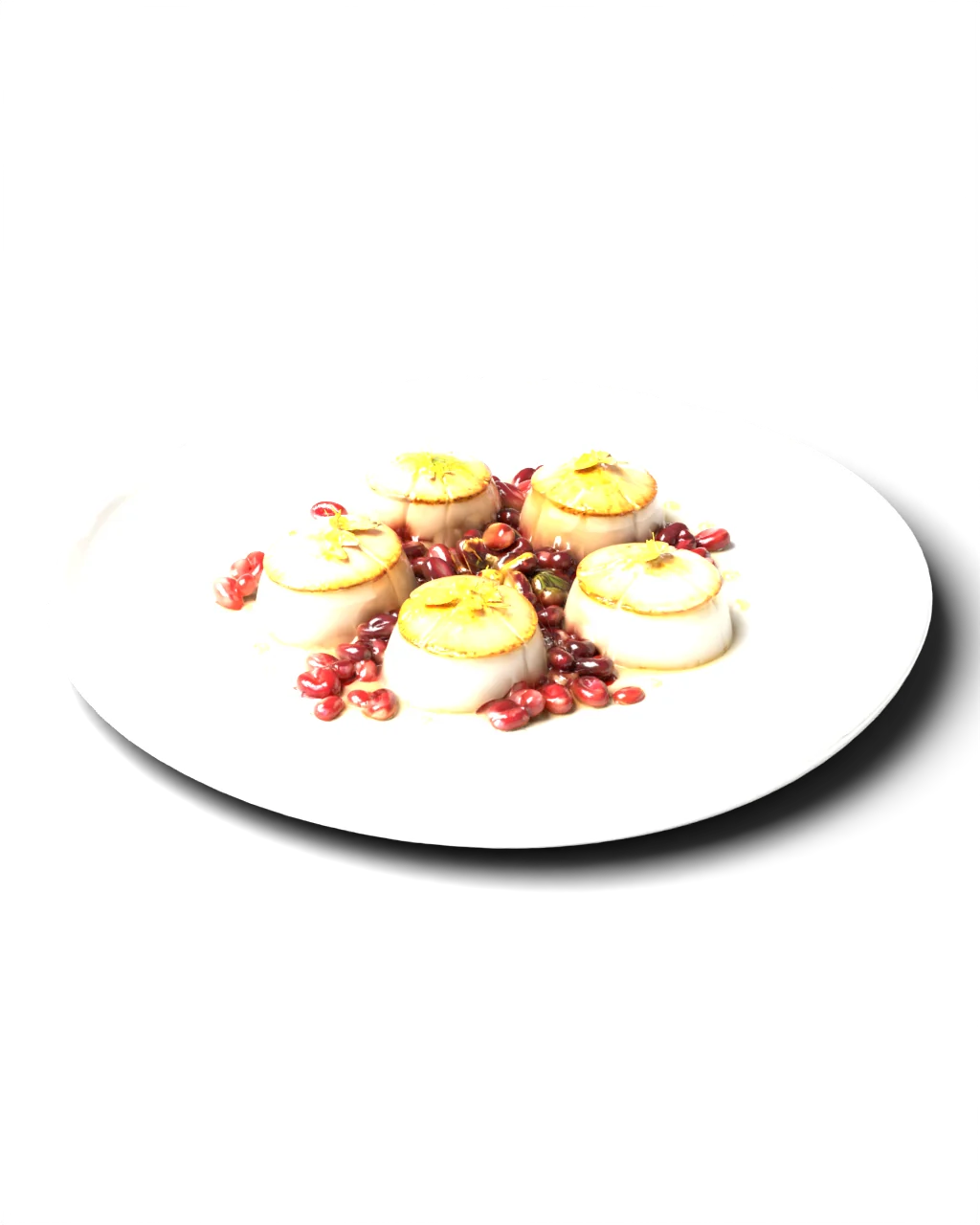
A flat picture can't convey portion size, volume or texture. Guests hesitate, order “the usual”, or ask the waiter one more time. Prevu turns every dish into a faithful 3D copy you can look at from every side.
True portion size — right on the guest's table
Every side of the dish, not one flattering angle
Ingredients on the model: no surprises for allergies
Menu photoPrevu 3D model
From QR code to a dish on the table
01/04
Scan
The guest points the camera at the QR code on the table. The menu opens in the browser — nothing to install.
02/04
Explore
Every dish in 3D: spin it, zoom in, see the texture and volume.
03/04
Place it
One tap and the dish sits in front of them in augmented reality, at real size.
04/04
Order
The guest knows exactly what's coming. Faster decisions, bolder choices.
Labels appear right on the dish: what it is and what makes it special. Guests trust what they see, and waiters stop reciting the menu for the twentieth time tonight.
⟲ Drag to rotate
Dishes you want to order
These models come from a live Prevu menu. Open any dish — and put it on your table.
Dish models created for demonstration.
Put this dessert on your table
Tap the button — the camera opens and the dessert appears in front of you at real size.
Scan the code with your phone. It opens the very menu your guests will see.
Point your phone camera at the code — the dish opens in your hand.